Satellite Tracking Software 2025

Satellite Tracking Software 2025

Turn the power on, and turn the computer on (the power switch is directly below the Acer logo), turn the rotator and usb controller on, and finally the IC-9100.

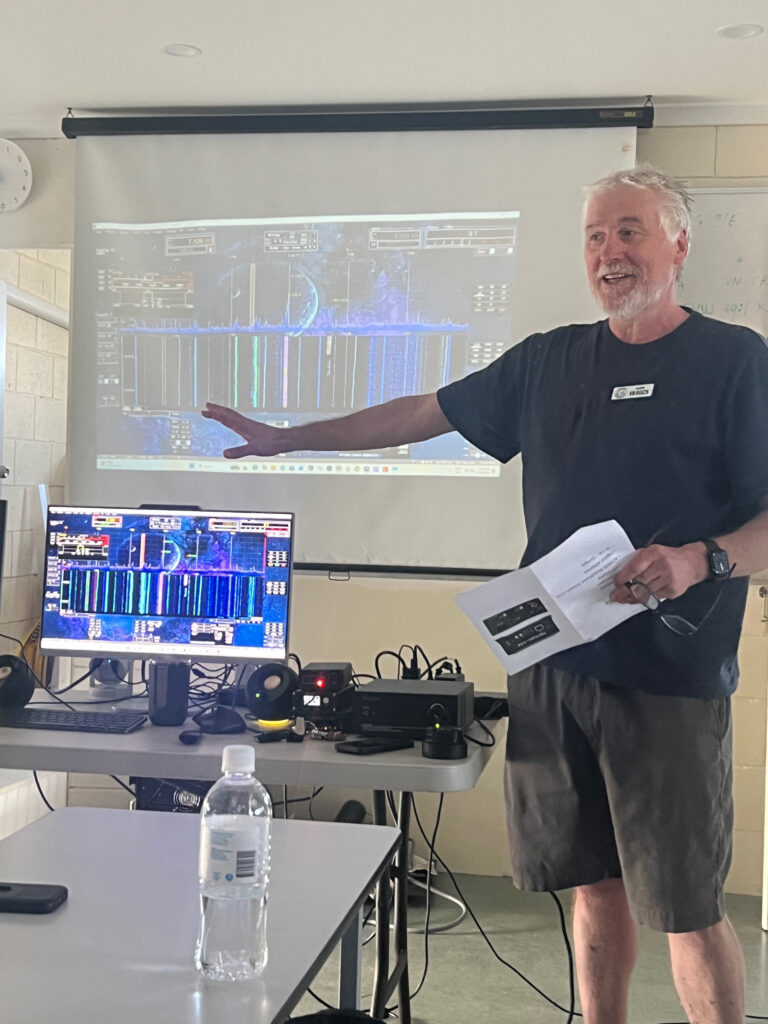
Login to the computer. There are three icons on the desktop, each of these will need to be opened: RIGCTLD, ROTCLD, SKYROOF.

When the SkyRoof software is opened, click the “Track” button at the top right to start the antenna tracking
NOTE sometimes the track button gets “unticked” which stops the antenna tracking. Keep an eye on this setting in case it stops tracking.
Warning: Undefined array key 0 in /www/wwwroot/wwwnew.gcars.com.au/wp-content/plugins/elementor-pro/modules/dynamic-tags/acf/tags/acf-text.php on line 32

Warning: Undefined array key 1 in /www/wwwroot/wwwnew.gcars.com.au/wp-content/plugins/elementor-pro/modules/dynamic-tags/acf/tags/acf-text.php on line 32

Warning: acf-text(): ACF Text Field value must be string, but is type of: NULL in /www/wwwroot/wwwnew.gcars.com.au/wp-includes/functions.php on line 6170

Related Articles